How to play
Last updated October 7, 2026
HowFarOff is a quiz where every answer is a number. Everyone guesses at the same time on their own phone, and the closest guess wins the round. Nobody needs to know the answer – you just have to guess better than the others.
What you need
- A phone per player, with internet. From two up to 20 players can join.
- No app and no account. The game runs in the browser.
- A TV or computer as a big screen is nice, but not required.
Step by step
Start a game
Go to the start page and choose how you want to play: Play from this device if you want to guess along, or Big screen if a TV or computer should show the game to everyone. Then tap Create game. You become the host and pick the mode and settings in the lobby.
Join with the QR code or the code
Everyone else scans the QR code with their phone camera, or goes to howfaroff.com and types the four-character code under Got a code?. Then everyone types their name. When everyone is in, the host taps Start.
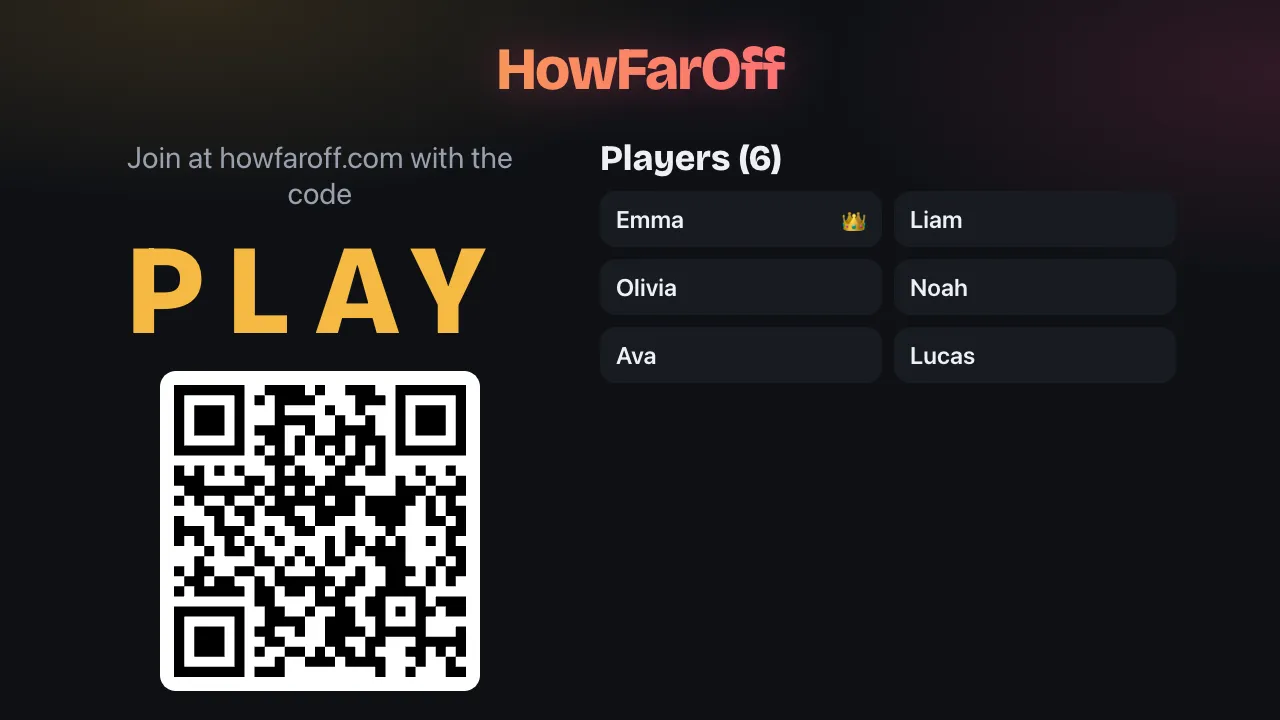
The lobby on the big screen: scan the QR code or type in the code. Guess
The question shows on everyone's phone, and on the big screen if you have one. Type your guess and tap Answer before time runs out. Decimals work with either a point or a comma. Once you have answered, you can see how many are done.
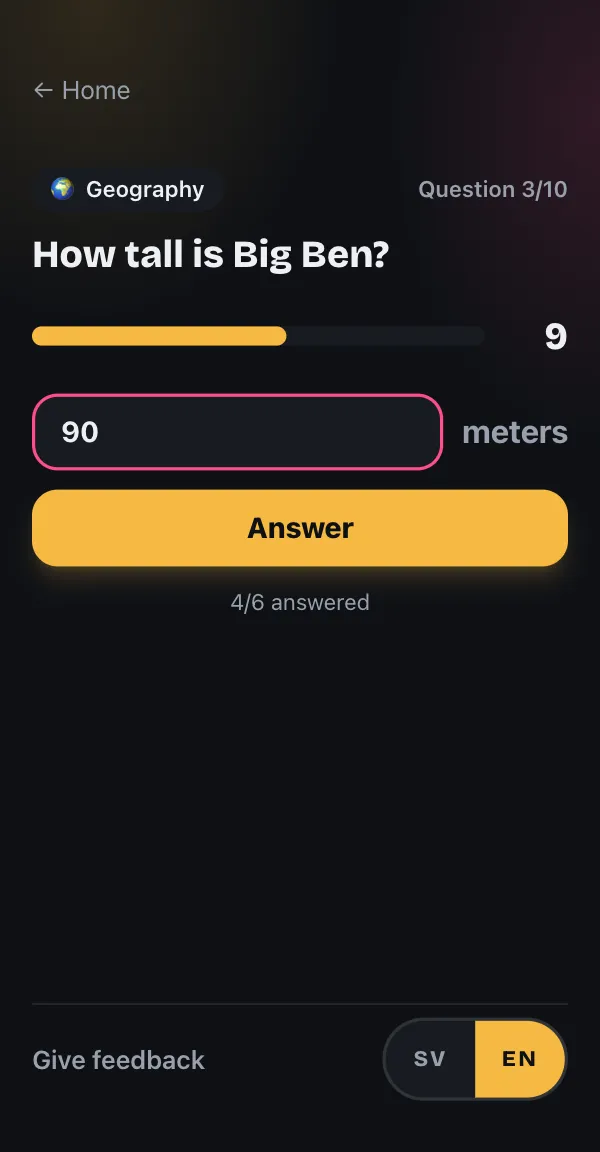
The question on the phone. Guess before time runs out. The reveal, from last to first
When everyone has answered, or time is up, the right answer is shown with a short fact. Then the guesses are revealed one at a time, from the one furthest off to the closest. The closest guess wins the round, and an exact guess is marked exact!
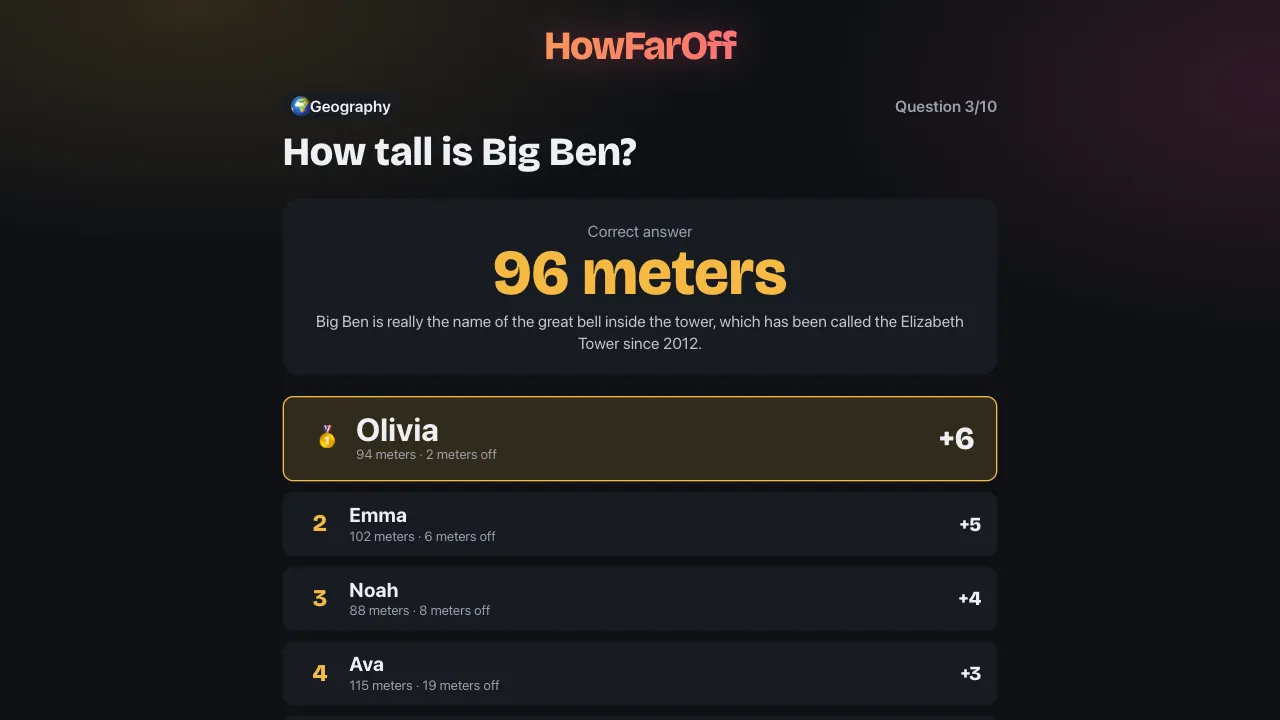
The reveal on the big screen. Closest wins the round. The host moves on with Next question, or the next question starts by itself 8 seconds after the reveal if the host has chosen that.
The final
After the last question, the final standings are shown. With Play again with the same crew, the host starts a new game with the same players, and you get questions you haven't had yet first.
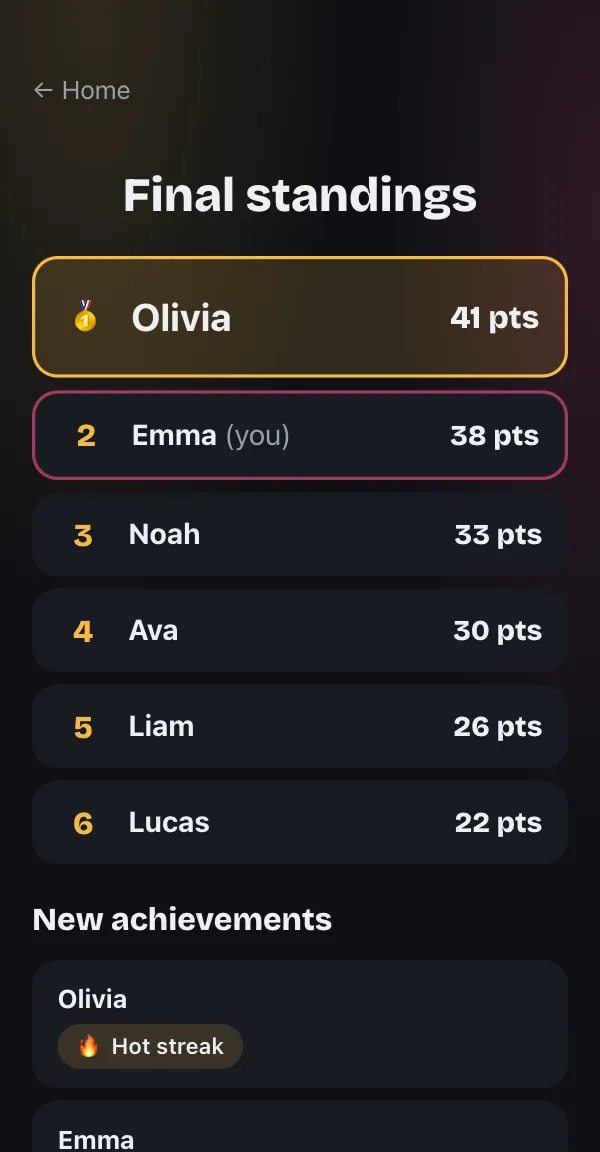
The final on the phone: the standings and new achievements.
Three modes
The host picks the mode in the lobby. The questions are the same in every mode – what differs is what happens after the reveal.
Points
Points follow a ladder: with six players, for example, the closest guess gets 6 points, second place 5 and so on down to 1 point for the one furthest off. Anyone who doesn't answer in time gets 0, and players who share a place get the same points. Most points after the last question wins.
Workout
Each question gets an exercise, such as push-ups, squats or the plank (12 exercises in all). The closest guess is safe, the one furthest off does the most reps and everyone else something in between. Anyone who doesn't answer also does the most. The difficulty setting (easy, normal, or tough) decides the maximum number of reps. Fewest reps in total wins.
Sips 18+
This mode is for adults, and the host has to confirm that everyone drinking alcohol is at least 18. Sips can be taken with any drink – alcohol-free works just as well. Second place takes one sip, third place two and so on, up to the cap the host chooses, 1–5 sips per question. Anyone who doesn't answer takes the cap, and the closest guess hands out a few sips to the others. Fewest sips in total wins.
Settings
The host changes the settings in the lobby before the game starts, and everyone in the lobby can see them.
- Questions: 5, 10, 15, or 20 questions per game.
- Answer time: how many seconds everyone has to guess.
- Categories: choose from 10 categories or let the game mix them all: Geography, History, Sweden, Sports, Science & nature, Space, Human body, Food & drink, Tech & inventions, and Film, music & pop culture.
- Question language: Swedish or English. Everyone in the game gets the same questions in the same language, while each player picks their own language for buttons and text.
- Next question: the host taps to move on, or the next question starts by itself 8 seconds after the reveal.
- Visible standings: by default the standings stay hidden until the final, so nobody knows who is leading. With Own total, each player sees their own place during the game, and with Teaser the top 3 are shown in alphabetical order at half-time.
Teams
Turn on teams in the settings to play in two to 6 teams. Players pick a team in the lobby, or the host taps Shuffle evenly. Teams can change their names. The host also chooses how a team answers:
- Shared: the team locks in one shared guess. Everyone in the team sees the team's draft and can send it.
- Median: everyone in the team guesses on their own, and the median of the guesses becomes the team's answer.
Big screen on the TV
There are two ways to show the game on a TV or computer:
- Choose Big screen when you create the game on the TV or computer. The screen becomes the host and runs the game, and everyone plays on their phones. With a keyboard, Space, Enter or → moves on.
- Show a game that already exists: tap Open big screen in the lobby, or open howfaroff.com/tv/CODE in the TV's browser, where CODE is the game code. The screen shows the game without playing, and up to 10 screens can be connected at once.
Accounts and achievements
Nobody needs an account to play. With an account, which is a player name and a four-digit PIN, your games are saved to a profile with stats such as wins, exact answers and best category. You can also unlock 29 achievements, such as Bullseye for an exact answer and Comeback for winning after being last at half-time.
If you played as a guest, you can save the game to a new account afterwards, within 30 days.
More answers are in the FAQ.